

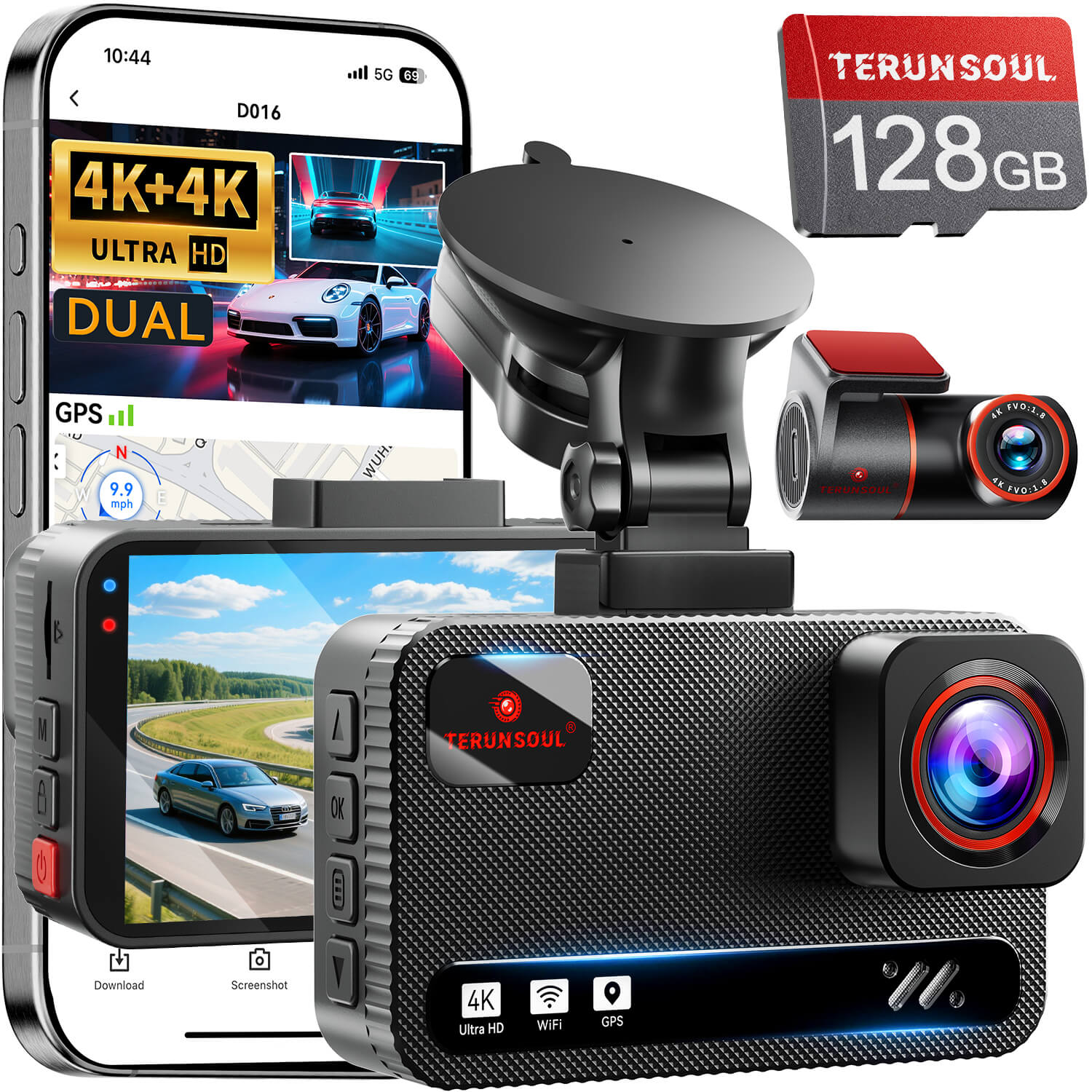
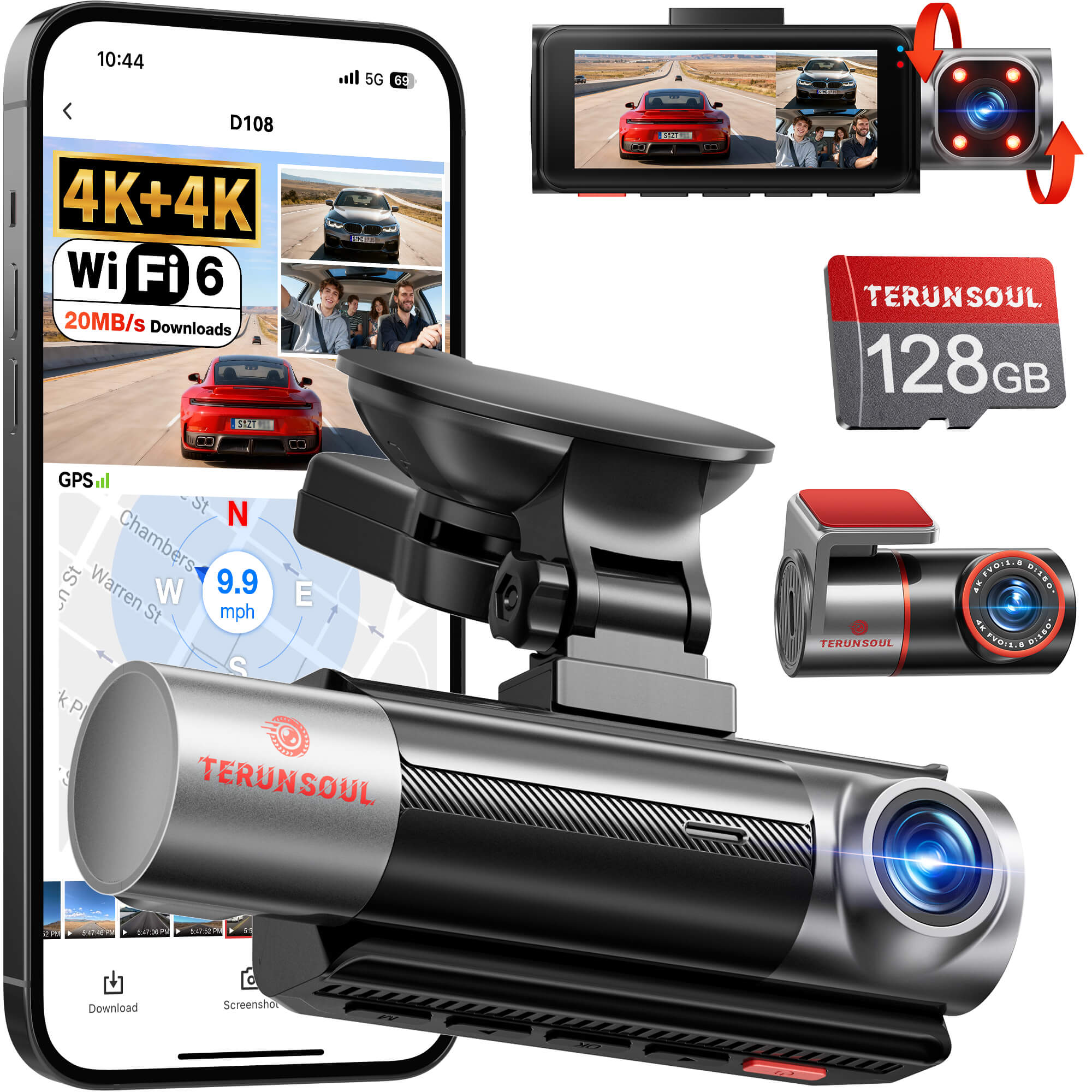


The Terunsoul dashcam is aimed at drivers who want front-and-rear coverage without a complicated setup. In hands-on use, it looks like a strong value pick if you care about clear daytime footage, workable night recording, and simple app control. The bigger wins are the included 128GB card, loop recording, GPS, and parking support. The trade-off is that real-world installation and Wi-Fi pairing matter more than the spec sheet, so this guide focuses on what the camera actually does on a car.
Terunsoul Dashcam Review and Setup Guide
The quickest verdict: the Terunsoul dashcam feels practical, not flashy. Video quality is the main reason to consider it, especially if the goal is usable road evidence rather than a premium touchscreen experience. Setup is manageable for most owners, but the first install still takes patience, mainly because cable routing and rear camera placement decide how clean the result looks. Unboxing, app connection, and recording behavior are all worth checking before relying on it every day.
What Comes in the Box
The usual kit includes the front camera, rear camera, mounting hardware, power cable, adhesive pads, and the memory card, which is especially helpful for first-time owners. The rear cable is there for full coverage, while the adhesive pads help secure the unit to the windshield and rear glass. Buyers may still need extra trim tools, a hardwire kit, or longer cable management clips if they want a cleaner install or parking mode support.
How to Install the Terunsoul Dashcam
Start with the front camera on the windshield, then route the power cable along the headliner and down the pillar so it stays tucked out of sight. After that, run the rear camera cable to the back glass before connecting power. The easiest order is mount front first, then install rear, then tidy cables. Common mistakes include blocking the driver view, leaving slack near airbags, or plugging everything in before checking camera angle.
Terunsoul Dashcam Features to Test
The most useful test is whether the footage stays readable at speed, in traffic, and at dusk. Daytime clarity should show license plates at reasonable distance, while night performance depends on exposure control and street lighting. Field of view matters too; a wider image helps catch lane changes, but too much width can soften edge detail. GPS, loop recording, parking mode, and app functions are most useful when they work without constant adjustment.
Is the Terunsoul Dashcam Any Good?
Yes, for many drivers it is good enough to recommend, especially if the goal is dependable coverage at a sensible price. Image quality and ease of use are the biggest strengths, while long-term reliability will depend on installation quality and power setup. For the money, the included storage and dual-camera coverage add real value. It suits commuters, rideshare drivers, and anyone wanting evidence after a minor incident. Shoppers who want a more polished interface or advanced software may want to compare a few alternatives.
How to Connect Terunsoul Dashcam to Wi-Fi
Pairing usually starts in the companion app, where the camera is selected and the on-screen instructions guide the connection. Turn on the dash cam Wi-Fi, join the camera network on the phone if prompted, then enter the password shown in the manual or app. If the signal drops, move closer to the camera and close other recording apps. Reconnecting is usually easiest after restarting both the phone and the dash cam.
Does the Terunsoul Dashcam Always Record?
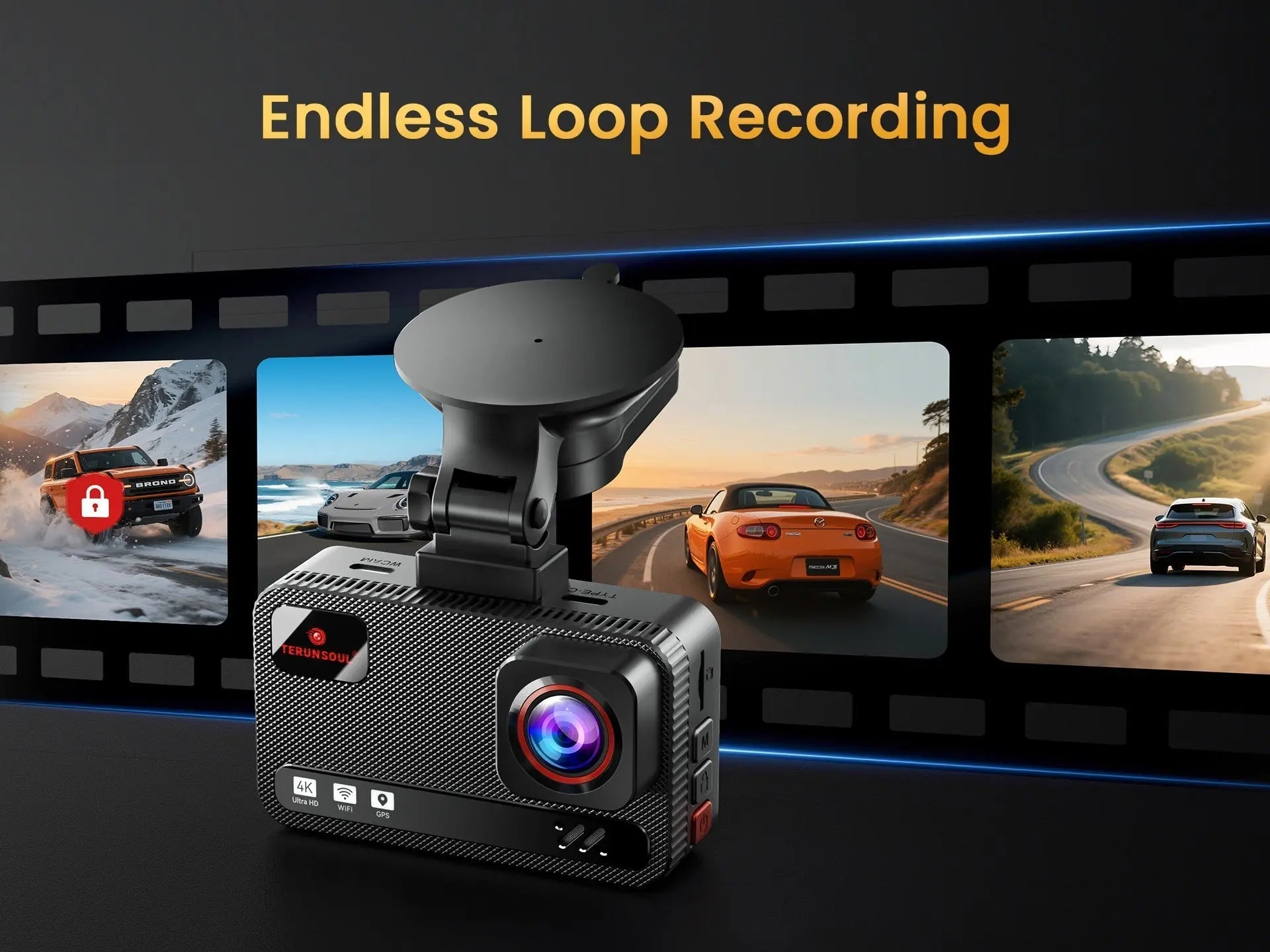
It records when powered on, then uses loop recording to overwrite older footage once the card fills up. Important events can be locked by the g-sensor so they are not erased during normal overwrite cycles. Parking mode changes the behavior by waiting for motion or impact triggers, but that usually depends on stable power from a hardwire kit or equivalent connection. Without constant power, recording stops when the vehicle turns off.
Who Makes the Terunsoul Dashcam?
Terunsoul appears to be a consumer dash cam brand focused on vehicle recording, accessories, and related installation items. The lineup suggests an emphasis on practical features like front and rear coverage, parking support, GPS tracking, and app-based control rather than luxury design. Public brand details are limited, so the safest answer is to treat it as a value-oriented dash cam maker with a straightforward product range.
What Matters Most Before Buying
The Terunsoul dashcam makes the most sense for drivers who want solid coverage, simple controls, and useful extras without paying premium-brand prices. It is less appealing if a buyer wants top-tier software polish or a highly refined interface. The best results come from a careful install, a proper power connection, and a quick test of Wi-Fi and recording behavior before the first long drive.


Leave a comment
All comments are moderated before being published.
This site is protected by hCaptcha and the hCaptcha Privacy Policy and Terms of Service apply.