


When people compare dash cams, they usually look at resolution first.
1080P. 2K. 4K.
But there is another specification that can have a major effect on how video is recorded: bitrate.
You may have two dash cams that both record in 4K, yet their video files can have different sizes and their footage can look different. That is because resolution is only one part of the recording process.
Understanding bitrate makes it easier to understand why.
What Does Bitrate Mean?
Bitrate is the amount of data used to record or encode video over a certain period of time.
It is usually measured in Mbps, or megabits per second.
For example, a video recorded at 20 Mbps is using 20 megabits of data every second.
The easiest way to think about it is this:
Resolution tells you how many pixels are in each frame. Bitrate tells you how much data is being used to represent those frames over time.
They are related, but they are not the same thing.
Why Does Bitrate Matter for Dash Cam Video?
A dash cam is constantly processing changing scenes.
During a drive, the camera may need to capture moving vehicles, road signs, trees, shadows, headlights, lane markings, and other details.
Video compression reduces the amount of data needed to store all of this information.
Bitrate affects how much data is available during that compression process.
When the bitrate is too limited for the complexity of a scene, more compression can become visible. Fine textures and rapidly changing areas may be more difficult to preserve.
This is one reason why two cameras with the same resolution do not necessarily produce identical-looking video.
However, bitrate should not be viewed by itself.
Image sensors, lenses, exposure, image processing, compression technology, and lighting conditions all influence the final result.
So a higher bitrate does not automatically mean better video.
4K Does Not Tell You Everything
This is one of the most important things to understand when shopping for a dash cam.
A 4K camera records more pixels than a 1080P camera. That can provide more potential detail, especially when you need to examine a distant road sign, vehicle, or other object.
But two 4K cameras can still use different recording settings and produce different file sizes.
That means:
4K describes resolution, not the complete quality of the recorded video.
Bitrate is one of the additional specifications worth understanding.
Other parts of the imaging system matter too.
For example, a camera with a good sensor and lens can perform very differently from another camera using a weaker imaging system, even when both advertise the same resolution.
Does Higher Bitrate Always Mean Better Quality?
Not necessarily.
A higher bitrate gives the encoder more data to work with, which can help preserve detail. But increasing bitrate also produces larger files.
And there is a point where increasing bitrate provides diminishing returns.
The final image depends on the entire recording system, not a single number.
That is why comparing a dash cam based only on bitrate can be just as misleading as comparing one based only on resolution.
A better approach is to consider bitrate together with resolution, frame rate, sensor quality, lens, image processing, and actual sample footage.
How Does Bitrate Affect Storage?
This is where bitrate becomes especially practical.
The more data a camera records per second, the more storage space the video requires.
A simple way to understand the relationship is:
Higher bitrate → more data per second → larger video files → less recording time per GB.
For example, imagine two recordings that both last one hour.
If one uses 10 Mbps and another uses 20 Mbps, the second recording generates roughly twice as much raw video data over the same amount of time, assuming the bitrate remains consistent.
That does not mean the second video will automatically look twice as good.
It simply means more data is being recorded.
This is why higher-resolution and higher-bitrate dash cams generally require more storage planning.
Why Multi-Channel Dash Cams Need More Storage
The storage question becomes even more important when a dash cam has multiple cameras.
A single front camera creates one video stream.
A front-and-rear system creates two.
A three-channel system can create three video streams at the same time.
For example, a system recording front, rear, and cabin video is generating more total video data than a single-camera system.
This is one reason multi-channel dash cams often support larger memory cards.
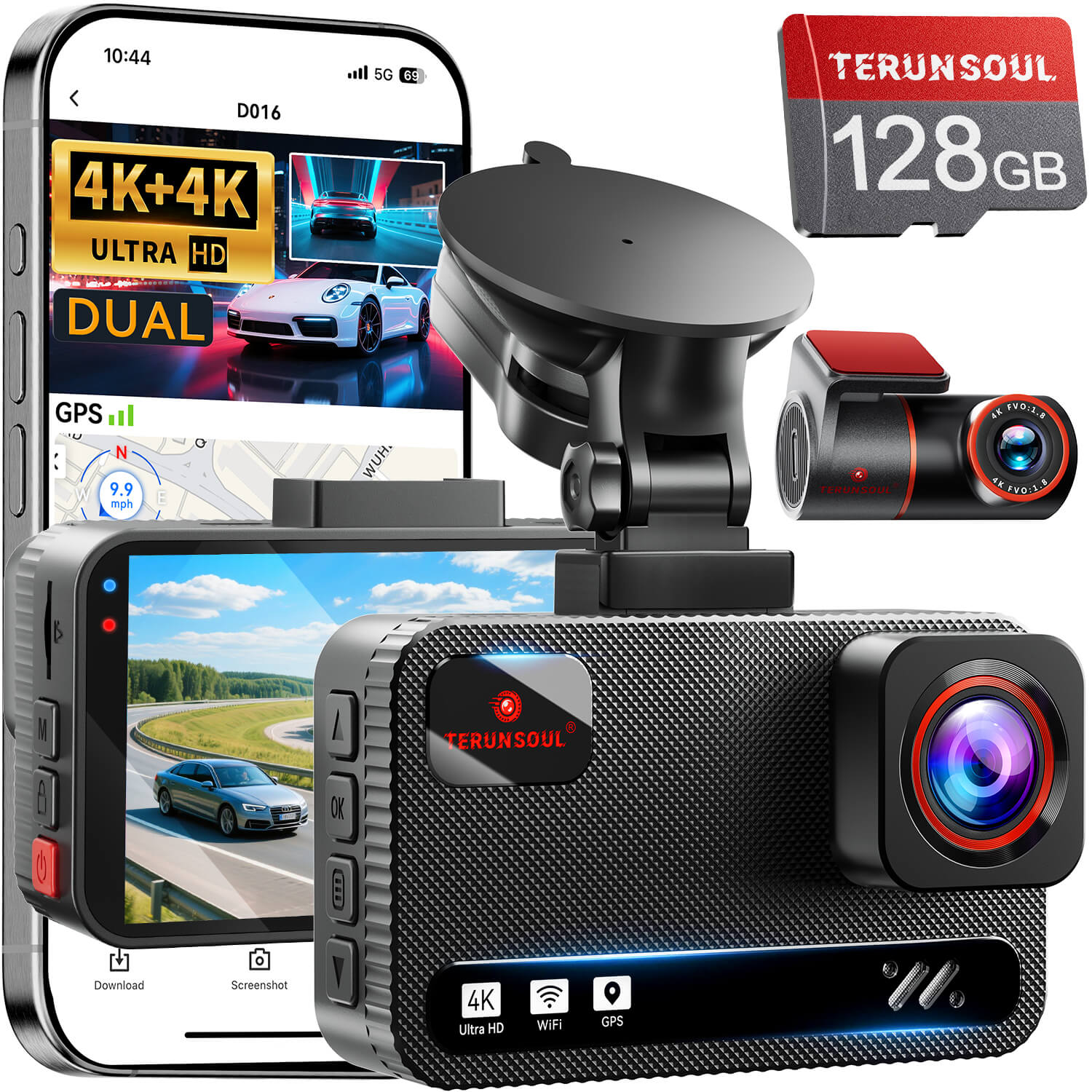
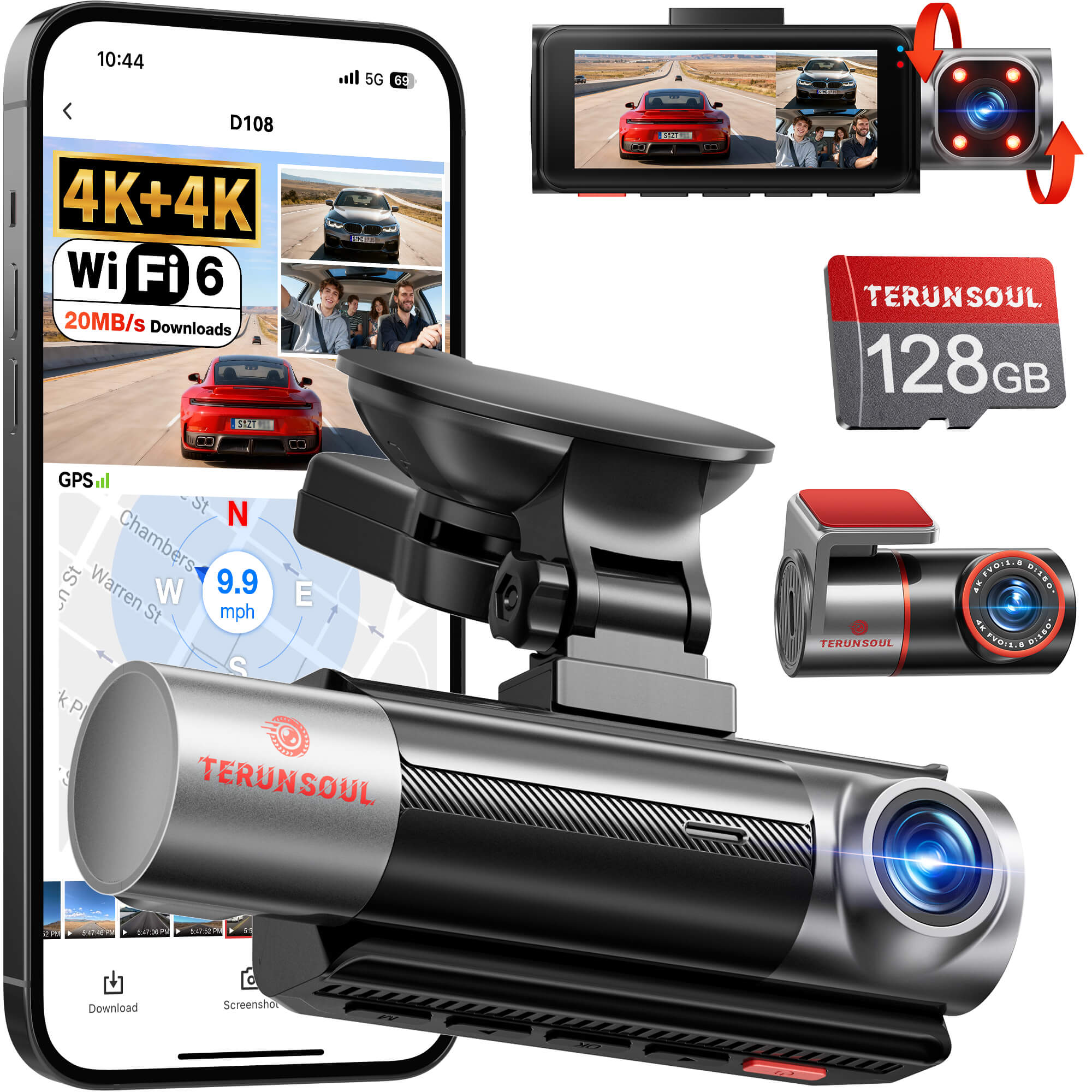
TERUNSOUL's current product specifications, for example, include 128GB storage with support for cards up to 512GB on its dual-channel and three-channel systems. TERUNSOUL
The broader principle is simple:
More cameras + higher resolution + longer recording time = greater storage requirements.
Does Bitrate Affect Memory Card Requirements?
It can.
A dash cam continuously writes video files to its memory card, so the card needs to be able to handle the camera's recording workload.
Higher-resolution and multi-channel systems can generate substantial amounts of data, which is why memory card capacity and recording compatibility matter.
Capacity is only one part of the equation, though.
A larger card gives you more space, but the card also needs to be appropriate for continuous dash cam recording.
Can Compression Change the Relationship?
Yes.
Two videos with the same resolution and similar visual quality can sometimes have different file sizes because of different encoding and compression methods.
Modern codecs can store video more efficiently than older compression methods.
That means you should not assume that file size alone tells you how good a video is.
When comparing cameras, it is useful to consider:
- Resolution
- Bitrate
- Frame rate
- Codec
- Sensor
- Lens
- Night performance
- Actual sample footage
Looking at these together gives you a much more complete picture.
What Should Drivers Actually Look At?
You probably do not need to calculate bitrate every time you shop for a dash cam.
Instead, use it as part of a bigger picture.
If image quality is important to you, look beyond the “4K” label.
Check the actual video quality and consider how the camera handles movement, nighttime scenes, headlights, shadows, and fine details.
If you drive with multiple cameras, think about storage capacity as well.
A high-resolution multi-channel system can generate a large amount of footage over a long drive, so having enough storage becomes increasingly important.
And if a manufacturer publishes bitrate information, it gives you another useful specification to compare.
Just don't treat one number as the entire story.
The Bottom Line
Bitrate is simply the amount of data used to record video over time, but it can have a meaningful effect on both video files and storage requirements.
It also helps explain why two dash cams with the same resolution can produce different results.
The key is to look at bitrate in context.
Resolution tells you how many pixels are captured. Bitrate tells you how much data is used to represent the video. Compression determines how efficiently that data is stored. And the camera's sensor, lens, processing, and lighting conditions all contribute to the final image.
Once you understand how these pieces fit together, dash cam specifications become much easier to read—and much harder to misunderstand.



Laisser un commentaire
Tous les commentaires sont modérés avant d'être publiés.
Ce site est protégé par hCaptcha, et la Politique de confidentialité et les Conditions de service de hCaptcha s’appliquent.