



When choosing a dash cam, drivers often spend most of their time comparing video resolution, night vision, and camera features. But there is one small component that determines whether those recordings can actually be saved: the memory card.
A dash cam continuously records video, saves clips, and manages storage as you drive. The memory card needs to have enough capacity and meet the camera's recording requirements.
So, is a 128GB microSD card enough for a dash cam? What do Class 10 and UHS-I mean? And does a higher advertised transfer speed automatically mean better recording performance?
Let's break down what matters and look at how to choose and use a memory card for everyday dash cam recording.
1. Is 128GB Enough Storage for a Dash Cam?
For many everyday drivers, 128GB is a practical storage capacity. It provides room for regular driving footage without requiring an especially large memory card.
However, storage capacity does not translate into one fixed number of recording hours.
The amount of footage a card can hold depends on several factors:
-
Video resolution: Higher-resolution recordings generally require more storage.
-
Bitrate: The amount of video data recorded per second affects file size.
-
Number of cameras: A dual-channel system recording front and rear views produces more data than a single-channel setup.
-
Recording settings: Clip length and other recording options can affect storage use.
-
Protected footage: Locked event files may occupy space that is not available for ordinary loop recording.
For example, two dash cams with the same 128GB card may have different recording times because their resolutions, bitrates, and number of recording channels are different.
What Happens When the Card Is Full?
Most dash cams use loop recording. When available storage runs out, the camera overwrites older footage that is eligible for deletion so that recording can continue.
However, important or locked event files may be managed differently depending on the camera's design and settings.
This is why it is a good idea to check your recordings regularly and back up important clips instead of relying entirely on automatic file protection.
2. Understanding the TERUNSOUL High-Speed 128GB MicroSD Card
The TERUNSOUL High-Speed 128GB MicroSD Card is designed to provide additional storage for devices such as smartphones, cameras, tablets, security cameras, and dash cams.
Its published specifications include:
-
Capacity: 128GB
-
Card format: microSDXC
-
Speed rating: Class 10 / UHS-I (U1)
-
Advertised read speed: Up to 80–100MB/s, depending on the device
-
Compatibility: Dash cams and other supported microSD devices
-
Listed durability features: Waterproof, shockproof, and resistant to high and low temperatures
The card offers a compact storage option for users who need additional space for video recordings and other files.
You can view the product specifications here:
TERUNSOUL High-Speed 128GB MicroSD Card
What Does Class 10 / UHS-I (U1) Mean?
These labels describe the card's speed classification.
According to the SD Association:
-
Class 10 (C10): Minimum sequential write speed of 10MB/s.
-
UHS Speed Class 1 (U1): Minimum sequential write speed of 10MB/s.
-
UHS Speed Class 3 (U3): Minimum sequential write speed of 30MB/s.
The TERUNSOUL 128GB card is listed as Class 10 / UHS-I (U1), not U3.
It is important not to confuse these speed ratings. A card's Class 10 or U1 marking refers to a minimum sequential write-speed class under defined testing conditions. It is not the same as the maximum advertised read speed.
You can learn more from the SD Association's official Speed Class guide.
3. Read Speed vs. Write Speed: What Is the Difference?
This is one of the most commonly misunderstood parts of memory card specifications.
Read speed describes how quickly data can be retrieved from the card. It matters when transferring recorded videos to a computer, card reader, or other compatible device.
Write speed describes how quickly data can be saved to the card. This is particularly important for a dash cam because it continuously records video while driving.
The TERUNSOUL 128GB card advertises read speeds of up to 80–100MB/s, depending on the device. Its published product specifications identify Class 10 / UHS-I (U1) as the speed class.
These are two different specifications and should not be treated as the same number.
For example, an advertised read speed of 100MB/s does not mean that the card continuously writes dash cam footage at 100MB/s.
When choosing a memory card, check both the manufacturer's stated speed class and the requirements of your camera. Do not select a card based only on its largest advertised transfer-speed number.
4. Will the Same 128GB Card Work With Every Dash Cam?
Not necessarily.
Different dash cams have different storage limits and memory card requirements. Even when two cameras accept microSD cards, their maximum supported capacities and recommended speed classes may differ.
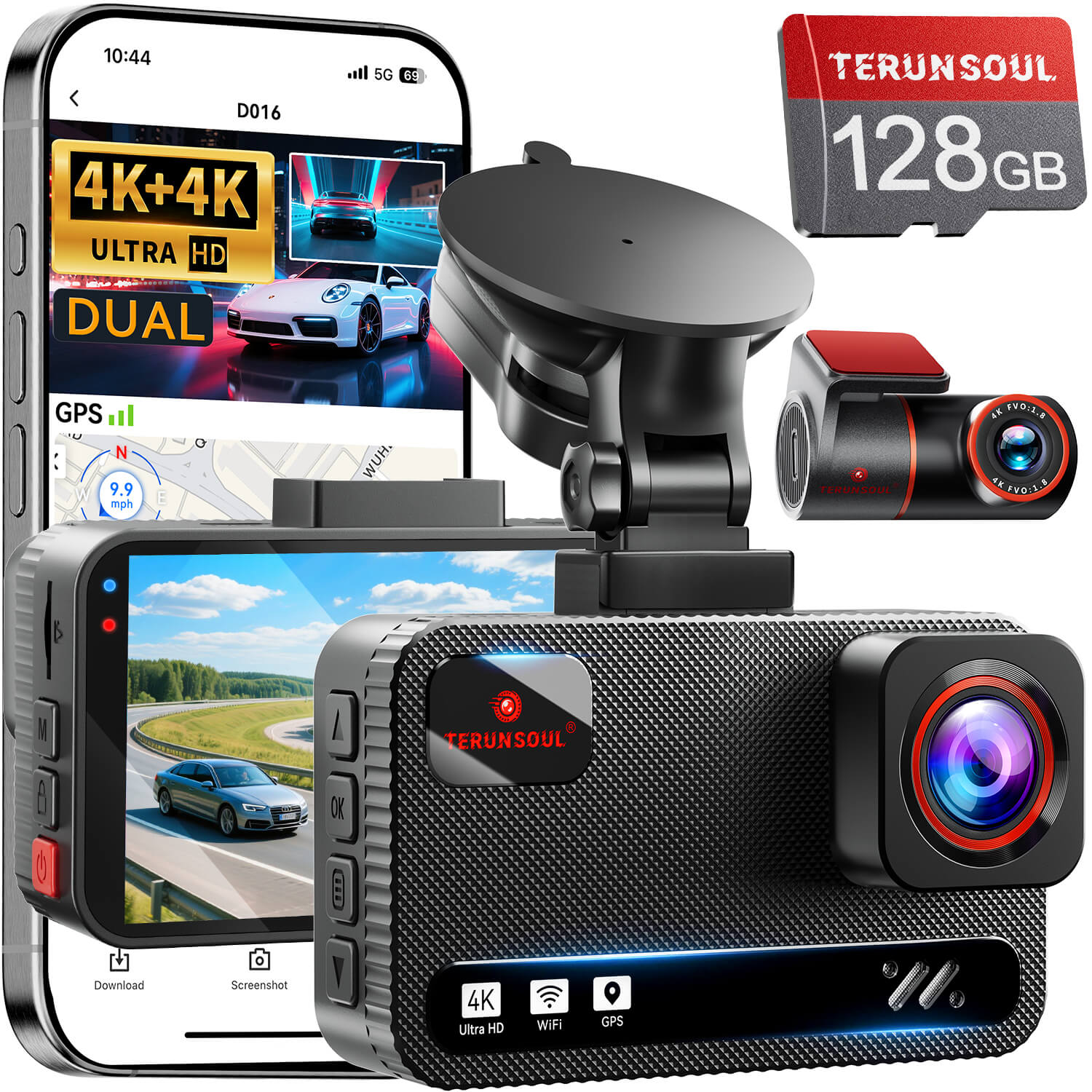
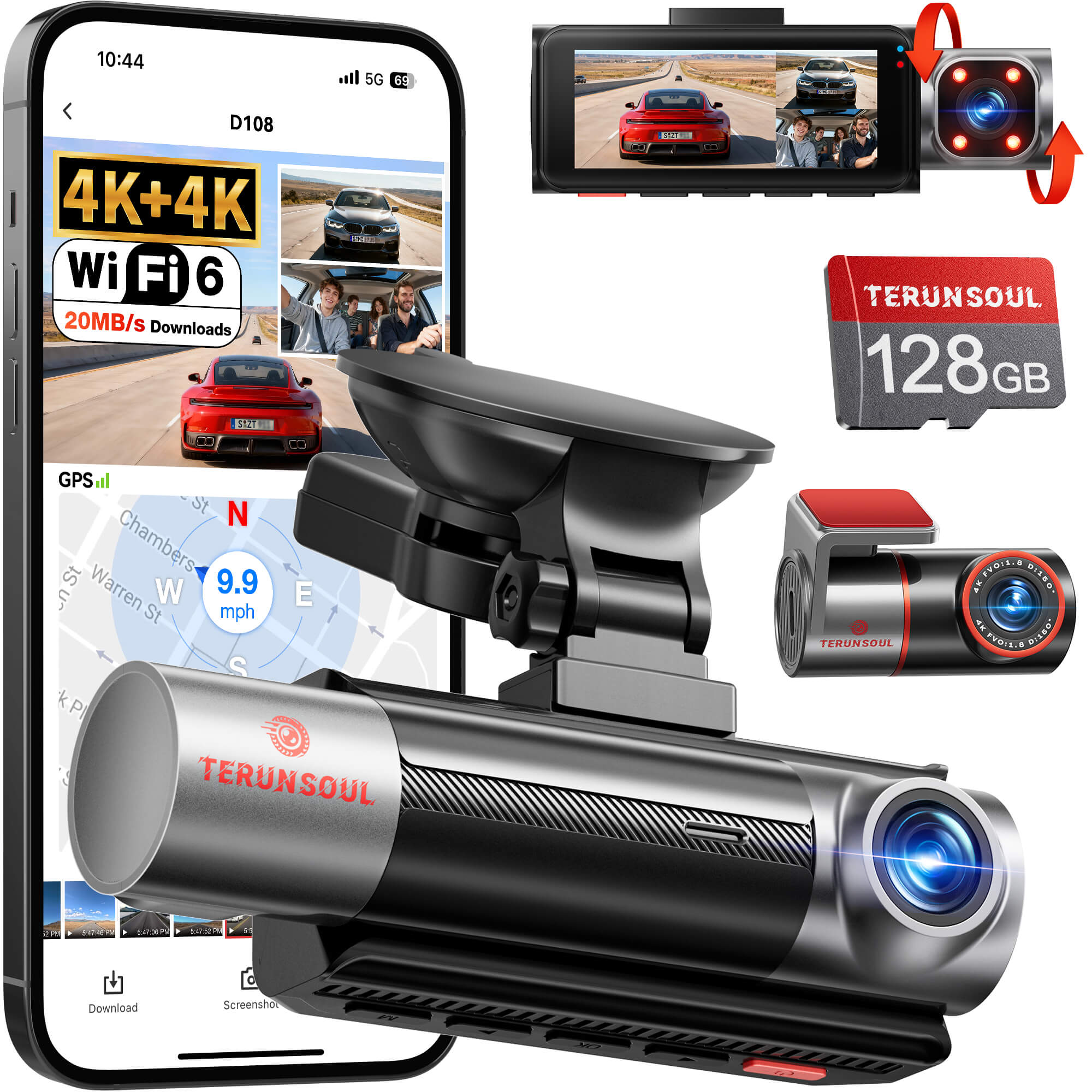
TERUNSOUL provides different storage specifications for different models:
-
Includes a 128GB microSD card.
-
Supports storage expansion up to 512GB.
-
The user guide specifies 8GB–512GB storage and a Class 10/U3 card requirement.
-
Includes a 64GB high-speed memory card.
-
Supports microSD expansion from 8GB up to 1TB.
These specifications should not be mixed. The D016's 512GB maximum is not the D021's maximum, and the D021's 1TB capacity limit should not automatically be applied to other models.
Before replacing or upgrading a card, check the storage capacity and speed requirements for your specific dash cam.

5. How t![]() o Install and Format a microSD Card Correctly
Even a compatible memory card needs to be installed and prepared correctly.
For a new card or replacement card, follow these basic steps:
Step 1: Check Compatibility
Confirm that the card's capacity and speed rating meet the requirements of your dash cam.
Do not assume that a card supported by one camera will automatically work with another.
Step 2: Insert the Card Correctly
Turn off the dash cam before inserting or removing the memory card. Make sure the card is aligned with the slot and inserted according to the device instructions.
Never force the card into the slot.
Step 3: Format the Card Through the Dash Cam
Many dash cams provide a formatting option in their system settings.
For the TERUNSOUL D016, the installation instructions recommend formatting the memory card through the camera before first use.
Formatting prepares the card's file system for the device, but it also deletes existing recordings. Back up any important footage before formatting.
Step 4: Confirm That Recording Works
After formatting, start the camera and check that normal video files are being saved.
For a front-and-rear dash cam, confirm that both channels are recording when applicable.
It is much easier to discover a memory card issue during a test than after an unexpected incident.
6. How to Take Better Care of Your Dash Cam Memory Card
A few simple habits can help reduce avoidable storage problems.
Avoid removing the card while recording. Interrupting an active write operation may damage a video file or affect the card's file system.
Check recordings from time to time. Make sure files are opening and playing normally, and check for repeated warning messages.
Back up important videos. Save original accident footage to another device or secure storage location as soon as practical.
Follow the manufacturer's formatting instructions. Formatting deletes existing files, so always back up important recordings first.
Replace the card if persistent errors occur. Repeated recording failures, card recognition problems, or corrupted files may indicate that the card needs troubleshooting or replacement.
The exact service life of a memory card depends on its design, usage, operating conditions, and recording workload. Do not assume that every card has the same replacement schedule.
Frequently Asked Questions
Is a 128GB microSD card enough for a 4K dash cam?
It can be a practical capacity for everyday recording, but the actual recording time depends on bitrate, number of channels, and recording settings. Always check the camera's maximum supported capacity.
What is the difference between Class 10 and U1?
Both Class 10 and U1 indicate a minimum sequential write speed of 10MB/s under their respective standards. U3 indicates a minimum sequential write speed of 30MB/s. They are different speed-class labels.
Does 80–100MB/s mean the card writes video at that speed?
No. TERUNSOUL's published 80–100MB/s figure is an advertised read speed, and actual performance depends on the device. The card's published speed classification is Class 10 / UHS-I (U1).
Can I use a 128GB card in the TERUNSOUL D021?
The D021 officially supports microSD cards from 8GB to 1TB, so 128GB is within its supported capacity range. However, you should also verify the replacement card's speed requirements and compatibility rather than relying on capacity alone.
Should I format my memory card regularly?
Follow the manufacturer's maintenance instructions. Formatting deletes existing footage, so back up important recordings before doing it. There is no single formatting schedule that applies to every dash cam.
Does a larger memory card improve video quality?
No. Storage capacity determines how much footage can be stored, not the resolution or image quality of the recording. Video quality depends on the camera's imaging system, recording settings, and environmental conditions.
Final Thoughts
A reliable dash cam setup depends on more than the camera itself. The memory card also needs to meet the right capacity and speed requirements.
For drivers who need additional everyday storage, the TERUNSOUL High-Speed 128GB MicroSD Card provides a compact 128GB option with a published Class 10 / UHS-I (U1) rating and advertised read speeds of up to 80–100MB/s, depending on the device.
Before choosing a card, check your dash cam's specifications, understand the difference between reading and writing speeds, and make sure the card is compatible with your recording setup.
Most importantly, review important footage regularly and keep backups of recordings you cannot afford to lose.
A good recording is only useful when it has been saved properly.

Lämna en kommentar
Alla kommentarer modereras innan de publiceras.
Denna webbplats är skyddad av hCaptcha och hCaptchas integritetspolicy . Användarvillkor gäller.